Lime Green (#32cd32) Color Meaning, Codes and Information
A complete guide to Lime Green (#32cd32) covering color values, harmonies, shades, meaning, and practical uses across design, branding, and everyday visuals.
A complete guide to Lime Green (#32cd32) covering color values, harmonies, shades, meaning, and practical uses across design, branding, and everyday visuals.
The color Lime Green (#32CD32) is a balanced green. It features RGB values of (50, 205, 50), HSL settings of (120°, 61%, 50%), and a CMYK profile of (76%, 0%, 76%, 20%). Flanked by Lawn Green (#7CFC00) and Guppie Green (#00FF7F), this shade provides a distinct alternative within its hue family. Compared to Fuchsia Purple (#CC397B), #32CD32 appears softer, giving it a deeper and more authoritative appearance.
Harmonious matches include Yellow Green (#9ACD32), UFO Green (#3CD070), and Blue Violet (#8A2BE2), creating a balanced aesthetic, while colors like Palatinate Blue (#273BE2), Persian Red (#CC3333), or Steel Pink (#CC33CC) may contrast sharply with it due to differing tones. Designers often use #32CD32 in branding, environmental graphics, and design systems where a specific visual weight is required.
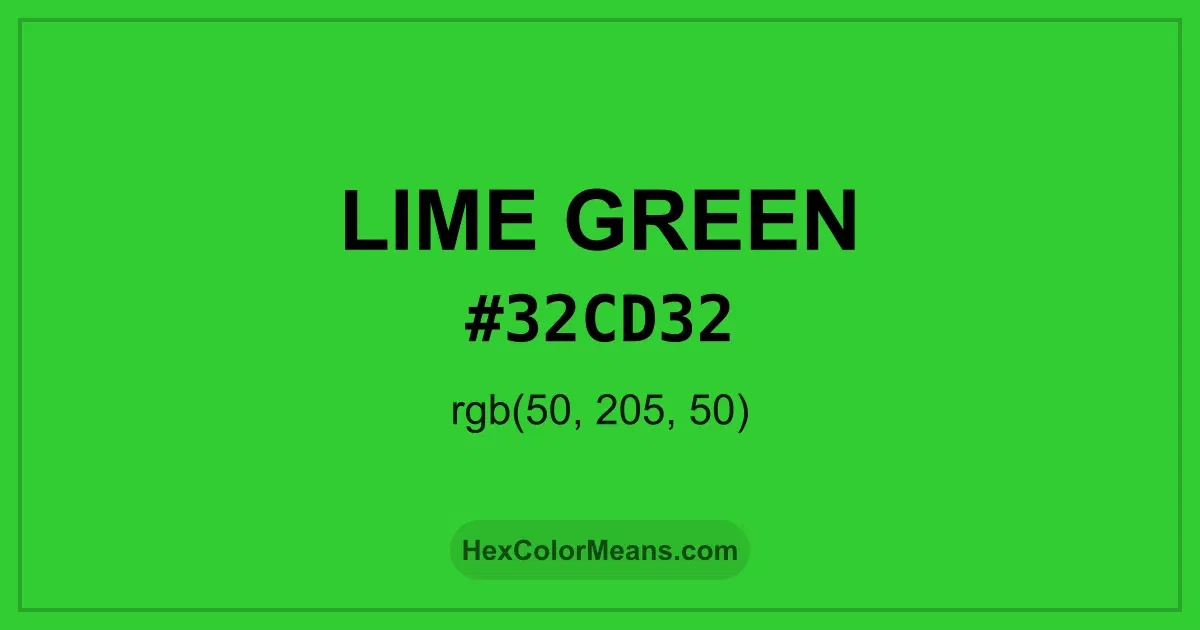
Lime Green (#32CD32) is a bright, electric green with strong yellow undertones. It is highly energetic and attention-grabbing, evoking freshness, innovation, and growth. Lime Green is often used in advertising, fashion, digital design, and eco-friendly branding to create vibrancy and highlight focal elements. Historically, Lime Green (#32CD32) emerged in modern design as a bold variation of natural green, symbolizing vitality, youth, and environmental awareness. Its eye-catching tone became popular in neon trends, pop culture, and sports, representing liveliness and energy. Lime Green continues to evoke freshness and innovation in contemporary design. Lime Green (#32CD32) symbolizes renewal, vibrancy, and progress. Across cultures, bright yellow-green shades represent life, optimism, and connection to nature. Its visual intensity stimulates attention and encourages action. Interestingly, Lime Green pairs well with dark purples, deep blues, or muted neutrals, creating striking contrasts while maintaining a natural, energetic balance.
Accurate conversions of Lime Green (#32cd32) across RGB, Hex, CMYK, HSL, and Lab ensure consistent color fidelity across digital, print, and design applications.
Detailed RGB and CMYK values of Lime Green (#32cd32) displayed in a horizontal bar provide clear reference for digital and print color accuracy.
A full range of Lime Green (#32cd32) variations, including tints, shades, and tones, provides highlights, depth, and subtle desaturated options for UI design.
Harmonious color schemes for Lime Green (#32cd32) created using the color wheel ensure visually balanced palettes.
Colors adjacent on the color wheel (30° apart)
Colors opposite on the color wheel (180° apart)
Three colors using one base hue and the two hues beside its opposite
Three colors evenly spaced (120° apart)
Four colors forming a rectangle on the wheel
Four colors evenly spaced (90° apart)
Four colors formed from two base hues and the colors next to their opposites
Variations of a single hue
Luminance contrast ratios for Lime Green (#32cd32) against standard backgrounds ensure readable, accessible text following Contrast Checker and WCAG 2.1 AA/AAA standards.
Sample Text
This is how your text will look with these colors.
Simulated views of Lime Green (#32cd32) for different color vision deficiencies help identify potential confusion using the Color Blindness Simulator.
Note: These simulations are approximations. Actual color vision deficiency varies by individual.
Sample Text
Sample Text
High-resolution seamless patterns featuring Lime Green (#32cd32) provide ready-to-use backgrounds, wallpapers, and print designs for any project.
A collection of popular icons in Lime Green (#32cd32) offers ready-to-use visuals for interfaces, designs, and creative projects.
Real-world mockups of Lime Green (#32cd32) showcase its versatility across fashion, interiors, branding, and product packaging.
A curated set of tools to help apply, analyze, and manage colors effectively in your projects
Frequently asked questions about Lime Green (#32cd32) color meaning, symbolism, and applications. Click on any question to expand detailed answers.